

 Golam Rabiul Alam, PhD
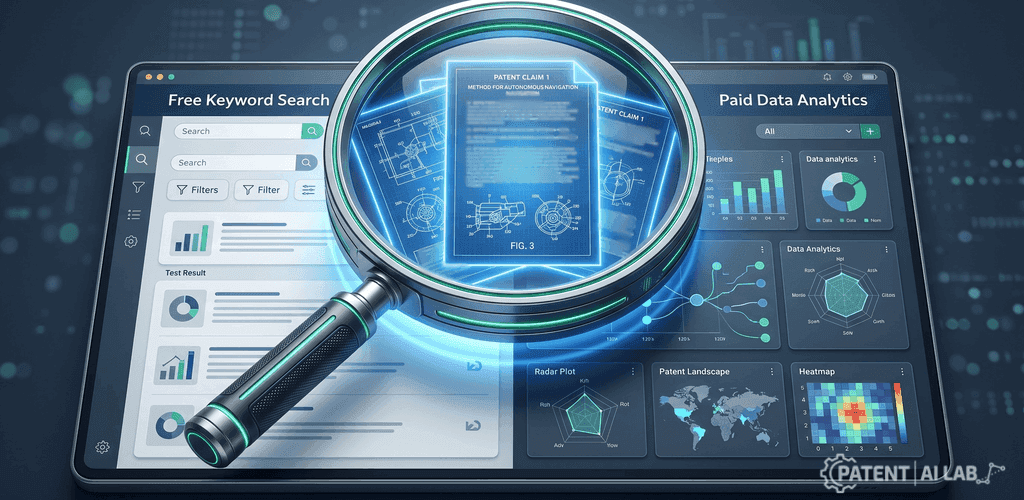
Look, I’ve been there. You open Google Patents, type in a keyword, and get 50,000 results. It’s messy. It’s overwhelming. And naturally, the first thought that pops into your head is: “There has to be a better way. I need to buy a professional tool.”
I made that exact mistake three years ago.
I was advising a hardware startup (Series B preparation, high stress). The CEO looked at me and asked, “Do we really need to blow our budget on fancy software, or is the free stuff enough?”
That question led me down a rabbit hole of testing Google Patents alternatives against the expensive giants. The result? It wasn’t what I expected.
If you are wondering whether you need to upgrade your tech stack, here is the brutally honest truth about when free works, and when it fails.
Article at a Glance
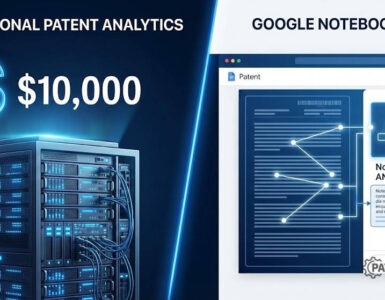
✓ The “Ugly” Advantage: Google Patents lacks expensive dashboards, which actually forces you to read the claims. Stick to free tools for basic validation and keyword searches.
✓ The Breaking Point: Only pay for enterprise patent analytics when manual data cleanup (like fixing messy assignee names or grouping international patent families) costs more in billable hours than the software subscription.
✓ The AI Trap: Never use generative AI (like ChatGPT) for “Freedom to Operate” (FTO) searches. AI hallucinates patent numbers and cannot replace verified analytical databases.
The “Shiny Object” Trap of Patent Analytics
Here is the thing about paid tools: They look amazing.
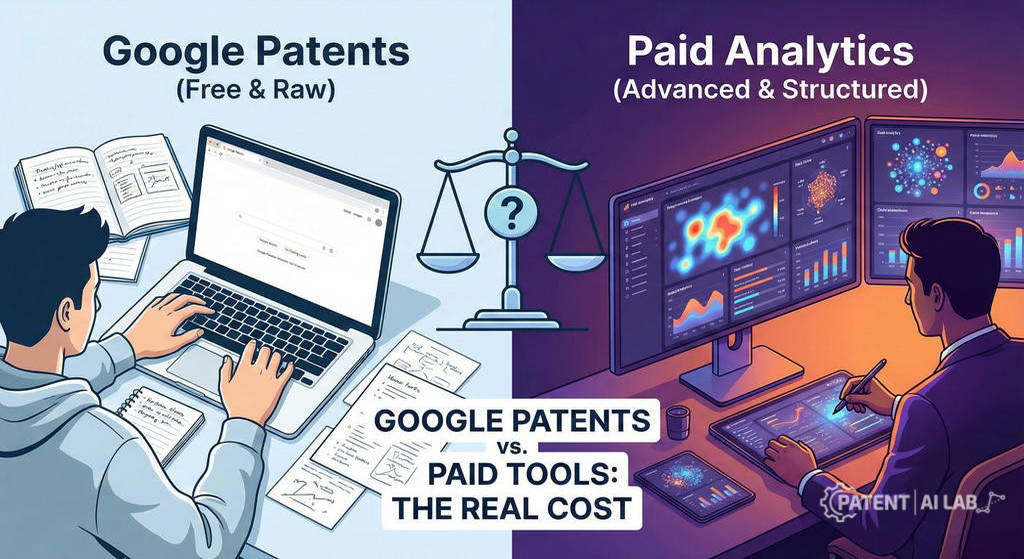
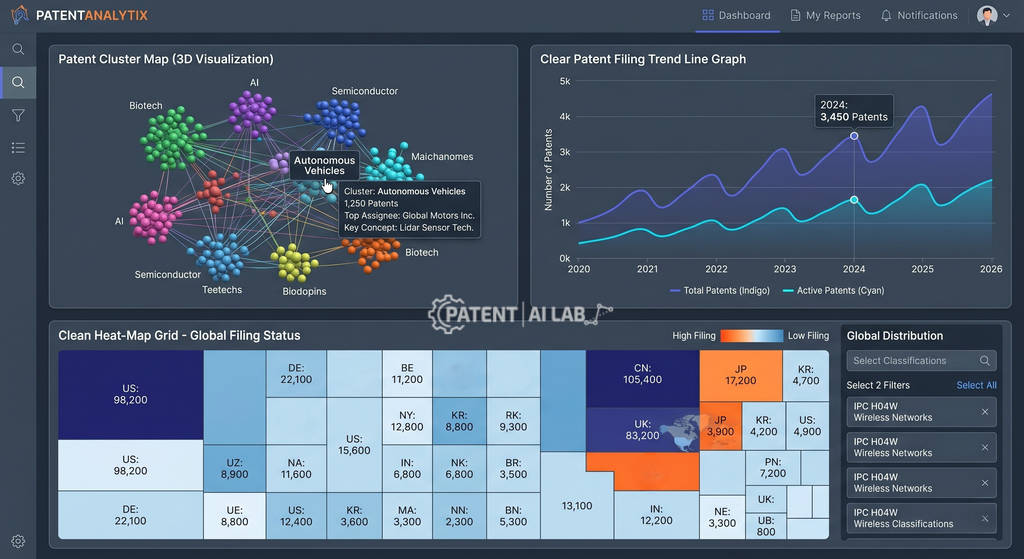
Sales reps will show you beautiful heat maps, 3D clusters, and “predictive scores.” It feels like you are buying intelligence. But after spending weeks with these platforms, I realized something uncomfortable.
Patent analytics in paid tools can sometimes make you lazy.
When we gave our junior team members access to high-end software, they stopped reading the actual claims. They started relying on the “Relevancy Score” provided by the tool. They looked at the charts, not the documents.
On the flip side, Google Patents is blunt. It’s ugly. It has no fancy dashboards. But that limitation is actually its superpower. It forces you to read. You have to open the PDF, check the citations, and use your own brain to connect the dots.
When Google Patents is Enough (Don’t Spend Money Yet)
Before you go looking for Google Patents alternatives, ask yourself if you are just dealing with “The Excel Wall.”
I tell my clients to stick with Google Patents until it physically hurts their workflow. If you are doing the following, keep your credit card in your pocket:
- Validating a rough idea: You just want to know if a “smart toaster with AI” already exists.
- Checking specific numbers: You have a patent number and need the PDF.
- Keyword searching: You want to see who uses the phrase “generative adversarial networks” in medical devices.
For these tasks, Google is faster. It indexes millions of documents and updates regularly. The “free” price tag is just a bonus.
When You Actually Need Paid Patent Analytics
So, when does the free ride end?
It happened to us during that startup project. We were trying to map out a “Freedom to Operate” landscape. We needed to know who owned the specific sensor technology we were building.
This is where Google Patents quietly failed us.
We typed in “Company X,” but the results were a disaster. Some patents were assigned to “Company X Inc,” others to “Company X LLC,” and some to a subsidiary we didn’t even know existed.
We spent hours manually cleaning up rows in a spreadsheet. That was the breaking point.
You need to pay for patent analytics tools when:
- Assignee names are a mess: You need “IBM” and “International Business Machines” to be treated as one company automatically.
- You need visualizations: You have to present a slide deck to investors, and a screenshot of a search list won’t cut it.
- Family grouping matters: You don’t want to count the same invention 10 times just because it was filed in 10 different countries.
⚠️ Expert Warning on AI Tools: Never use generative AI (like ChatGPT or Claude) to conduct a “Freedom to Operate” search. AI frequently hallucinates fake patent numbers. Use AI to translate complex legal jargon into plain English, but never rely on it for legal clearance or patent validation.
Real World Verdict
If you are looking for Google Patents alternatives just because you think “paid is better,” stop.
Money doesn’t buy insight. Process does.
My advice? Start with Google Patents. Push it to its limit. Use it until you are drowning in spreadsheets and wasting hours just formatting data. That frustration is your signal.
Only upgrade when the manual work costs more than the subscription fee. Until then, the best tool is the one that forces you actually to read the patents.
While Google Patents is a staple, it lacks advanced visualization features. If you are looking for a powerful free alternative that rivals paid platforms, check out our deep dive: Lens.org Review: Is It Still the Best Free Patent Search Engine?
Here’s the Top 5 AI Prior Art Search Tools list that can also help you.
Podcast
This automated audio brief outlines the primary data, analysis, and strategic insights covered in this guide.
FAQs: Questions Clients Usually Ask Me
I get these questions all the time from founders and product managers. Here are the honest answers without the legal jargon.
Is Google Patents accurate enough for a serious patent search?
Yes, for the documents themselves. The text of the patents is the same whether you view it on a free site or a $15,000 platform. However, patent analytics is where accuracy gets tricky on Google. It often misses the latest legal status updates (like if a patent has expired yesterday) or fails to group international filings together. So, trust the text, but verify the legal status elsewhere if you are making a business decision.
What are the best Google Patents alternatives for startups?
I honestly hate recommending specific tools because pricing changes so fast. But if you are looking for Google Patents alternatives, look for platforms that prioritize “Assignee Normalization” (cleaning up company names). Tools like Lens.org (which is free/freemium) or Espacenet are great middle-grounds before you commit to the expensive enterprise software. Don’t just buy a tool because it has pretty charts; buy it because it cleans the data for you.
Can I use AI tools like ChatGPT for patent analytics instead?
Please be careful here. AI is great for summarizing a complex claim, but it hallucinates. I have seen AI invent patent numbers that don’t exist. Use AI to understand difficult language, but do not use it to conduct a “Freedom to Operate” search. It is not a replacement for dedicated patent analytics databases yet.
Does using paid tools guarantee I won’t get sued?
No. This is a dangerous myth. Paying for software gives you better data, not legal immunity. A paid tool helps you find risks faster, but it doesn’t eliminate them. Whether you use Google Patents alternatives or the free version, you still need a human expert (or a patent attorney) to interpret what those risks mean for your business.
Sources and Legal References
The data and tool recommendations presented in this guide are derived from official patent offices and federal registries. You may verify specific search protocols via the following resources:
-
1. USPTO Official Search Guidelines
The United States Patent and Trademark Office guidelines on how to conduct preliminary prior art searches before filing.
Visit USPTO Search Directory -
2. European Patent Office (Espacenet)
The official free global patent database maintained by the EPO, containing over 150 million patent documents.
Access Espacenet Database -
3. Lens.org Open Global Cyberinfrastructure
A highly supported open-access alternative providing comprehensive patent analytics and assignee normalization.
Explore Lens.org Platform -
4. Federal Register on AI in Legal Practice
Official USPTO guidance warning against the risks, including hallucinations and omissions, when using Artificial Intelligence tools in patent practice.
Read Federal Register Notice
Disclaimer & Legal Notice
PatentAILab is an independent educational research platform and is not a licensed law firm or financial advisory service. The data, patent analysis, and strategic insights provided in this article are for informational and educational purposes only and do not constitute legal, investment, or business advice. Intellectual property outcomes depend on specific technical facts, jurisdictional laws, and drafting execution. Always consult a certified patent attorney and a qualified financial advisor before making IP filing or venture capital investment decisions.




[…] Before you start writing, ensuring your research is complete is vital. While Google Patents is popular, solo inventors often find more value in professional tools. For a deeper look, see our comparison of Google Patents Alternatives: When to Pay and When It’s a Waste of Money. […]
[…] enough and when professional analytics are required. For a deeper dive, check out our comparison of Google Patents Alternatives: When to Pay and When It’s a Waste of Money to see where you should truly invest your […]
[…] you are still weighing the cost of high-end suites against free resources, check our deep dive on Google Patents Alternatives: When to Pay and When It’s a Waste of Money to see where professional tools actually add […]